

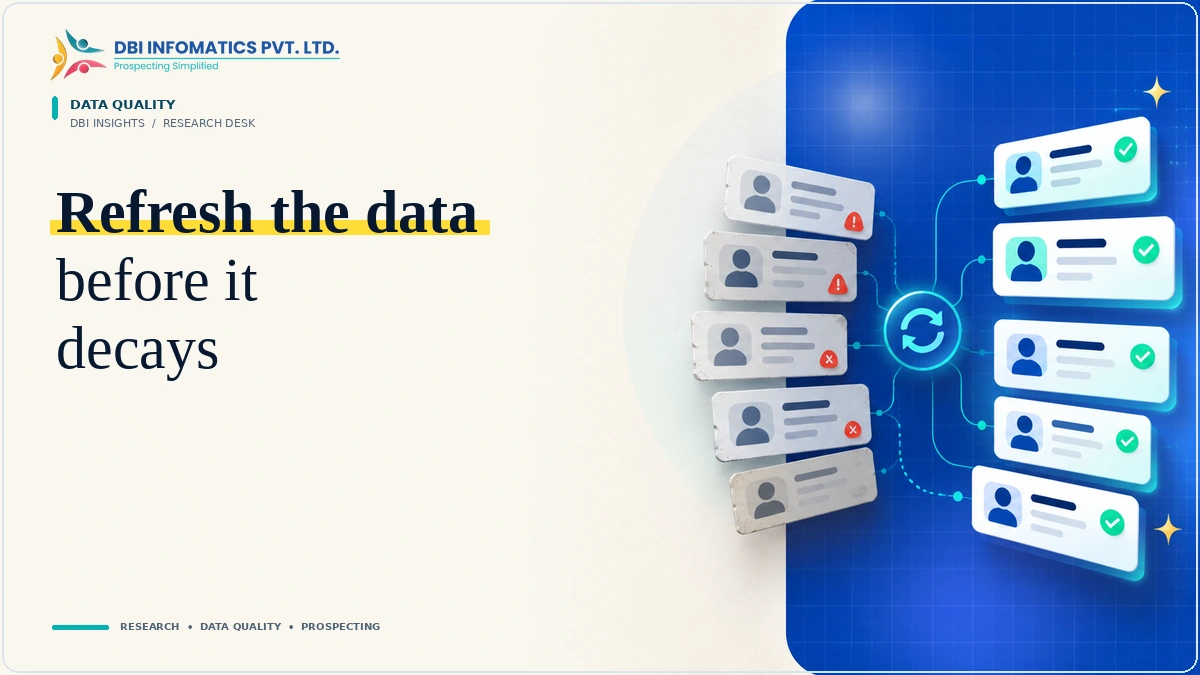
A B2B database rarely becomes unreliable in one dramatic event. It changes a little at a time: a contact moves, a role is renamed, a company changes its domain, a duplicate arrives from another source, or a category drifts away from the original data dictionary.
These changes matter because B2B data is operational. Sales uses it for prospecting, marketing uses it for segmentation, RevOps uses it for routing, and research teams use it to answer business questions.
Data decay is an operating problem
The right question is not how many rows can be refreshed. It is which changes can alter the next business action. That keeps the refresh focused on the fields that actually affect prospecting, segmentation or reporting.
What usually changes
- Contacts: employment, role, function and seniority.
- Companies: names, domains, ownership, locations and operating structure.
- Categories: industries, verticals and statuses drift into inconsistent variants.
- Identity: duplicates appear when the same account enters through multiple sources.
Where to start
Start with company name, domain, contact role, geography, industry, status and project-specific attributes. Define what "usable" means for each field before research begins.
A repeatable refresh workflow
Brief → research → verify → normalize → deliver. Complex projects can add redirect checks, ownership or acquisition research, classification rules, canonical company names and project-specific QA.
What good looks like
The final dataset should make it clear what changed, what passed the defined checks and what still needs review. Consistent naming, explicit statuses and duplicate handling are often more valuable than adding another low-value field.
Need to refresh an existing B2B database?
DBI Infomatics supports enrichment, validation, cleansing, normalization and CRM refresh projects around defined rules.
Explore Data Validation →